
Portrait mode done right: better photos of people on your phone
Portrait mode can make a phone photo look like it came from a big camera, or it can cut off someone's ear. Here is how to use it well.

Portrait mode blurs the background behind a person, the way a professional camera and lens do. When it works, the person stands out and the photo looks calm and expensive. When it doesn't, you get blurry hair, a missing earring or a glass that half-disappears.
Here is how to get the first result more often.
Understand what portrait mode is doing
A large camera blurs the background optically, because of the size of its sensor and lens. Most phones fake it. They estimate the distance of everything in the frame, decide what the person is, and blur the rest.
That guess is the source of most problems. Anything that confuses it, like flyaway hair, glasses, a hand near the face or a busy background close behind, can produce odd edges.
Get the distance right
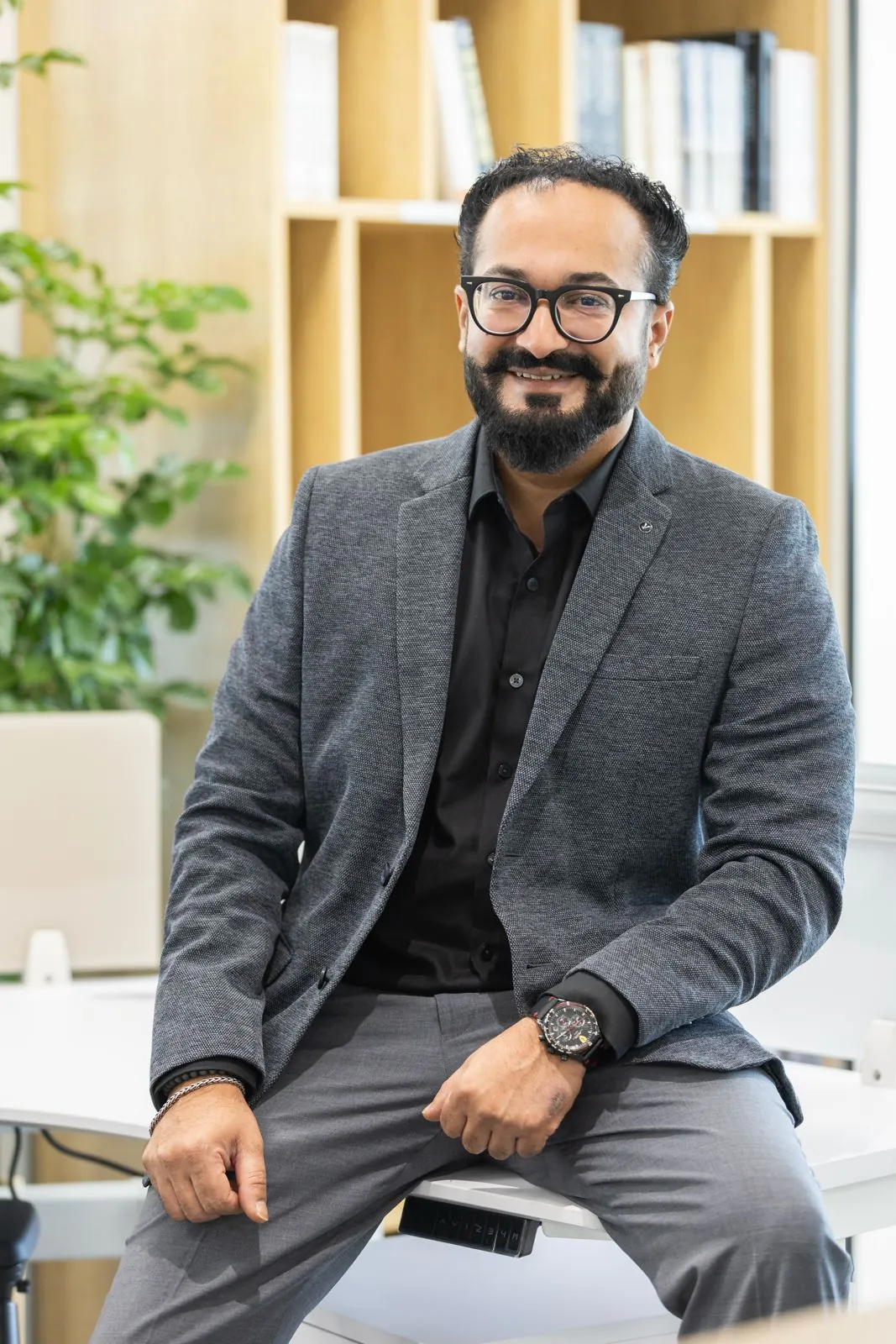
Portrait mode usually needs you to be within a certain range of your subject. Too close or too far and the phone tells you so. A step or two away, with the person framed from the chest or waist up, is a good starting point.
Put distance behind the person
The blur looks most natural when the background is far behind the subject. Ask the person to step away from the wall, into a room, a garden or a corridor. A background that is already a few metres away needs less faking, and the edges look cleaner.
Choose a simple background
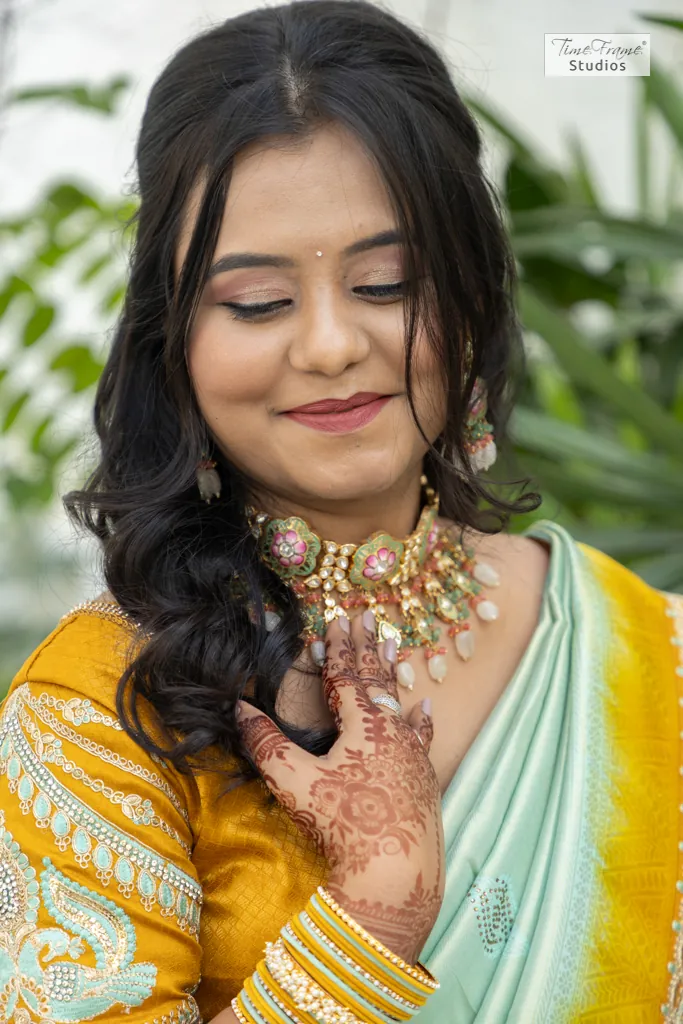
Busy backgrounds full of small details produce the most mistakes. Leaves, railings and patterned walls are hard for the phone to separate. A plain wall at a distance, an open space or soft foliage further back works better.
Light the face
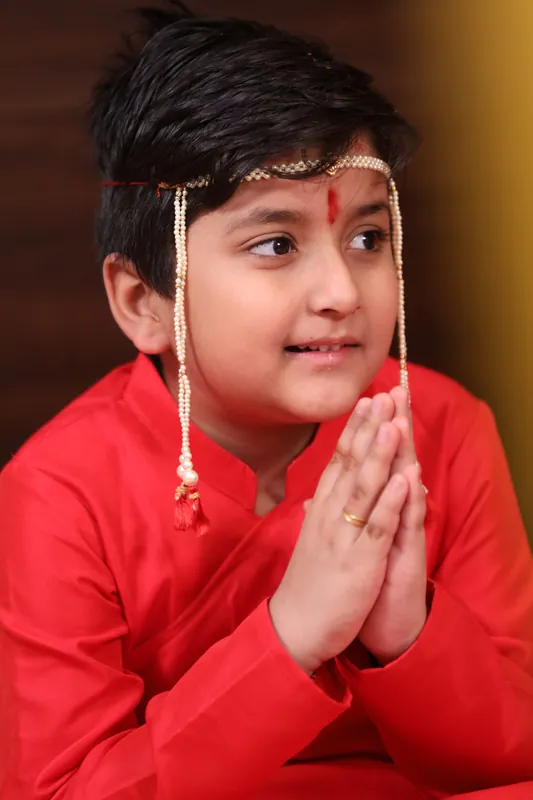
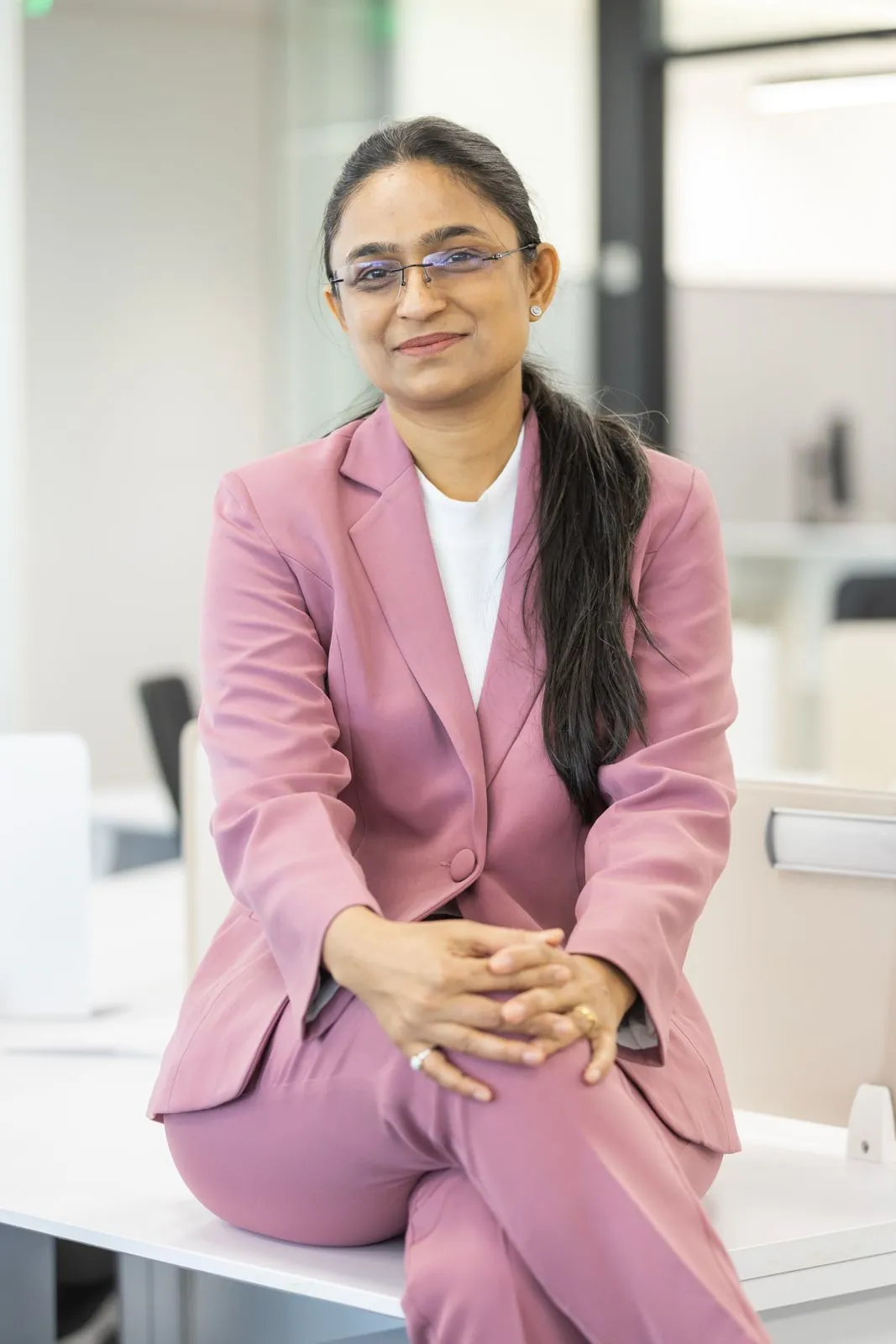
Portrait mode cannot fix bad light. Turn the person towards a window or open sky, so light falls softly on the face and there are catchlights in the eyes. Avoid top-down midday sun, which puts shadows under the eyes.

Our guide to window light goes into this in more detail.
Use the right lens
If your phone offers 2x or 3x in portrait mode, try it. A longer lens flatters faces, because it avoids the slightly stretched nose and large forehead that come from shooting close with a wide lens. It also includes less of the background, which is easier to keep simple.
Check the edges, then adjust the blur
After you take the photo, zoom in on the edges: hair, ears, glasses, shoulders. Most phones let you change the strength of the blur afterwards. Turning it down a little often makes mistakes less obvious and the photo more believable.
Direct, don't pose
People stiffen up the moment a camera points at them. Give small prompts instead of instructions: lean on the wall, look out of the window and then back at me, tell me about your weekend. A relaxed expression between two sentences is almost always better than a held smile.

When it needs to be more than a phone photo
For a LinkedIn profile, a speaker bio or a team page, the light, the lens and the retouching make a visible difference. Corporate Portraits photographs professionals and whole teams in our Pune studio or at your office.


