Menu photos for Zomato and Swiggy: what delivery apps need from your food photos
On a delivery app, your photo is the only thing a hungry customer can judge. Here is how cafés and cloud kitchens can plan menu photos that work on a small screen.
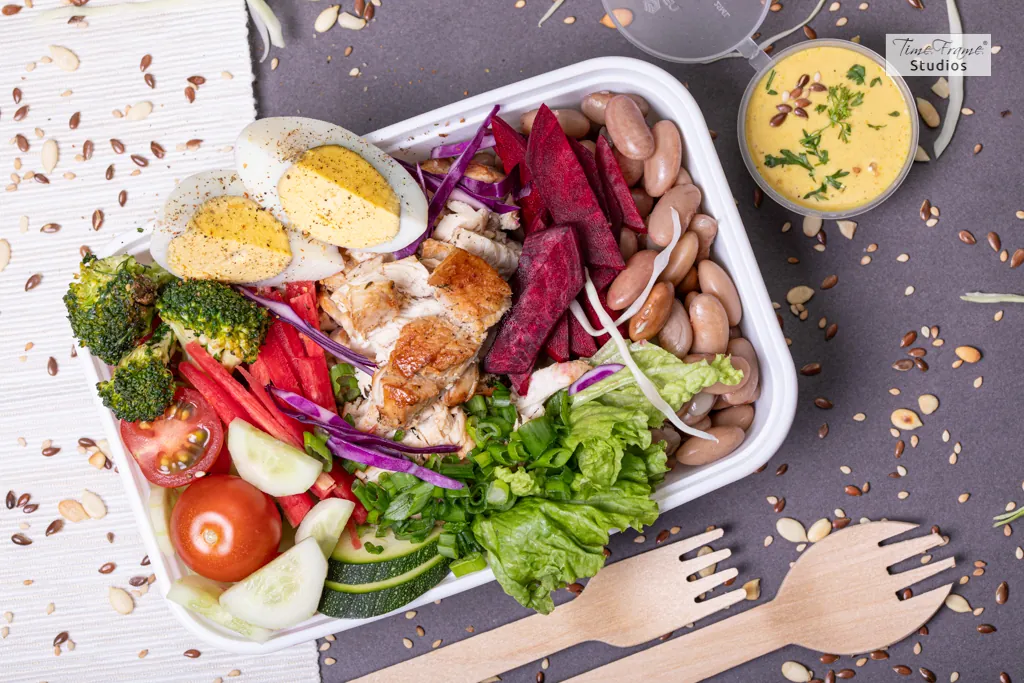
In a restaurant, the smell, the room and the waiter all help sell a dish. On a delivery app, there is only the photo, at the size of a thumbnail, next to fifty other kitchens selling something similar. Customers decide in a second or two.
Here is how we plan menu photography with restaurants, cafés and cloud kitchens that sell through Zomato and Swiggy.
Shoot what the customer will actually receive
The biggest complaint about delivery food is that it doesn't look like the photo. Photograph the dish as it is served for delivery, with the real portion and garnish, and ideally in the real packaging for some shots.
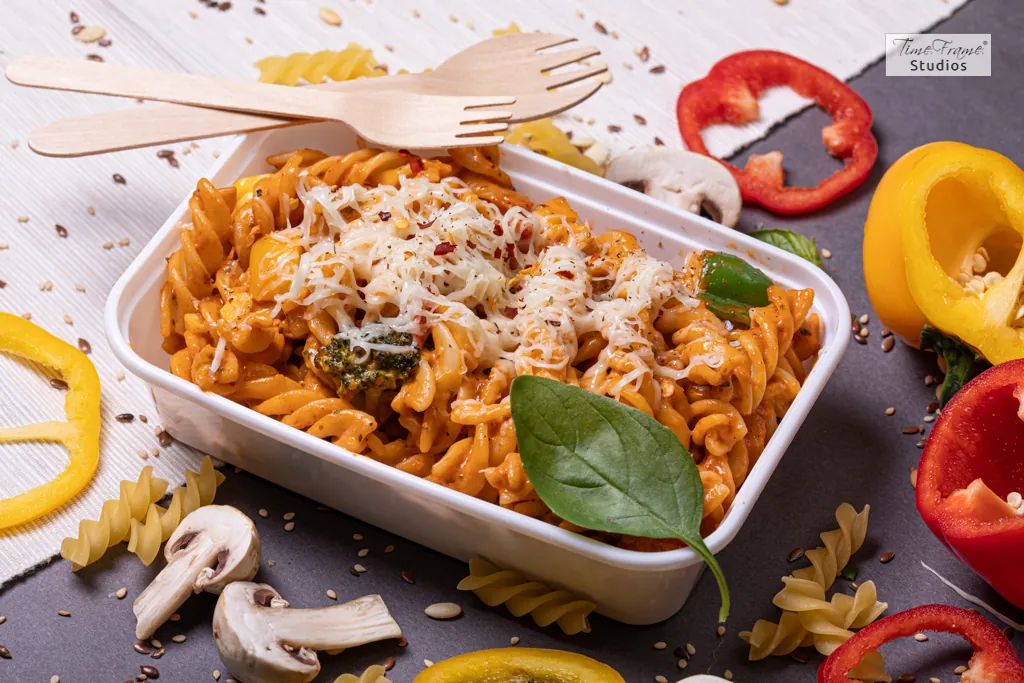
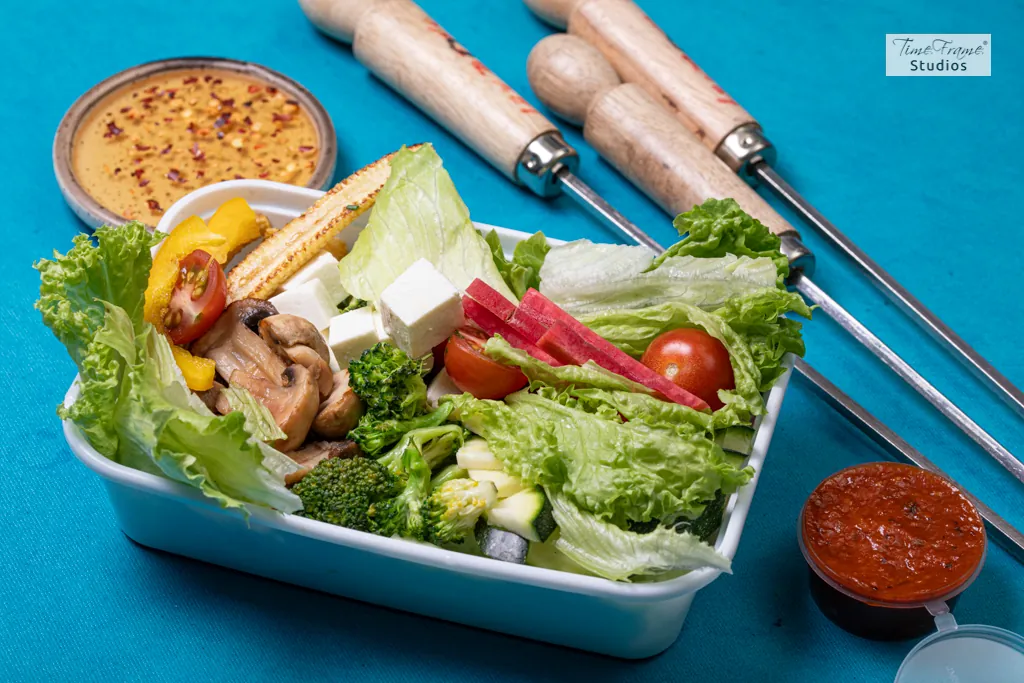
A beautifully plated dish that arrives in a plastic tub disappoints. An honest, appetising photo of the box earns trust, better ratings and repeat orders.
Design for a small screen

Most people see your photos on a phone, often as a small square. That changes how dishes should be shot:
- Fill the frame with the food. Leave out wide table scenes; they turn into clutter at thumbnail size.
- One dish, one hero. A single clear subject reads faster than a busy spread.
- Strong, simple colour. A contrasting background makes the dish stand out on a scrolling list.
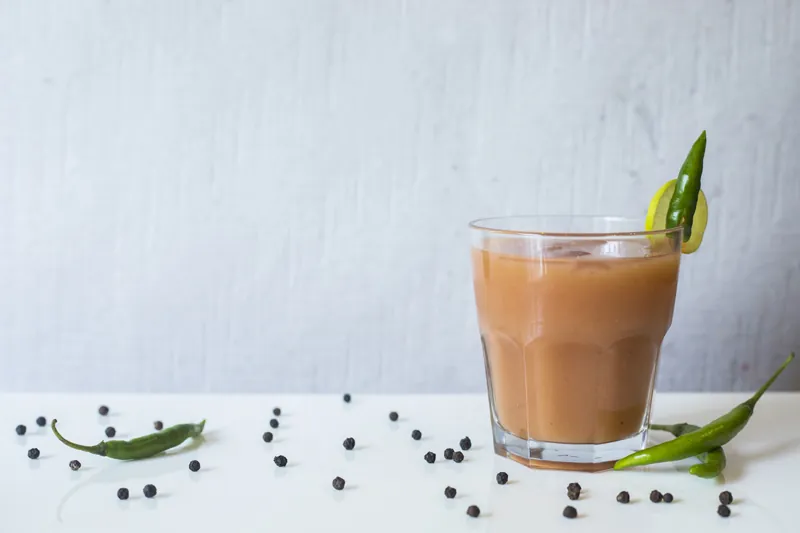
- Angle that suits the food. Bowls, thalis and pizzas read best from above. Burgers, layered desserts and drinks look best from the side.
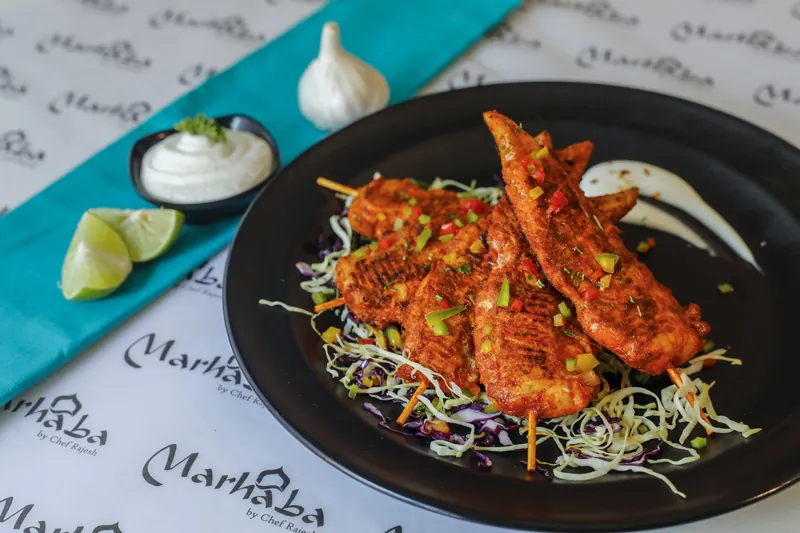
Keep the whole menu consistent
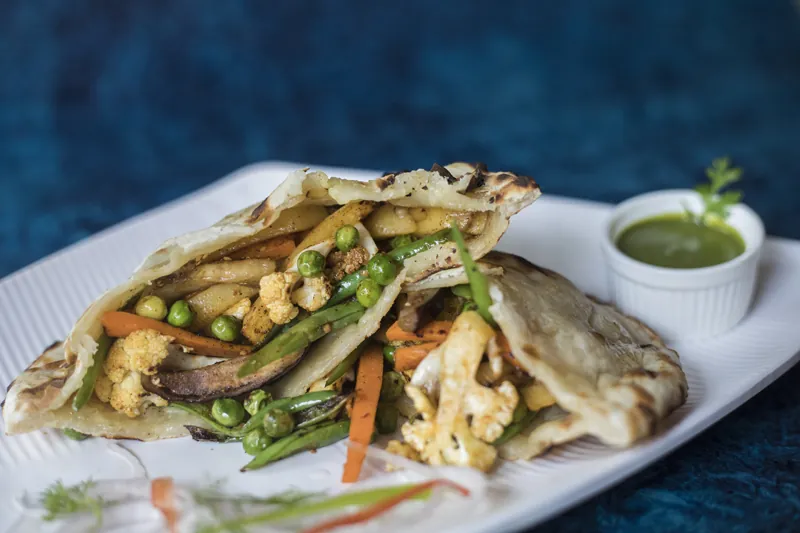
A menu where every dish was photographed differently, some on wood, some on marble, some under kitchen lights, looks less trustworthy than one consistent set. Choose one or two backgrounds, one lighting style and a small set of props for the whole menu, so your page looks like one kitchen.
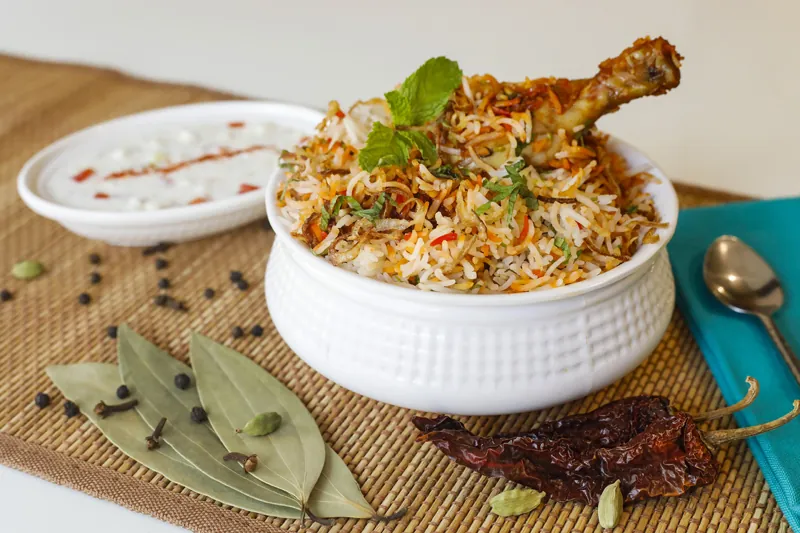
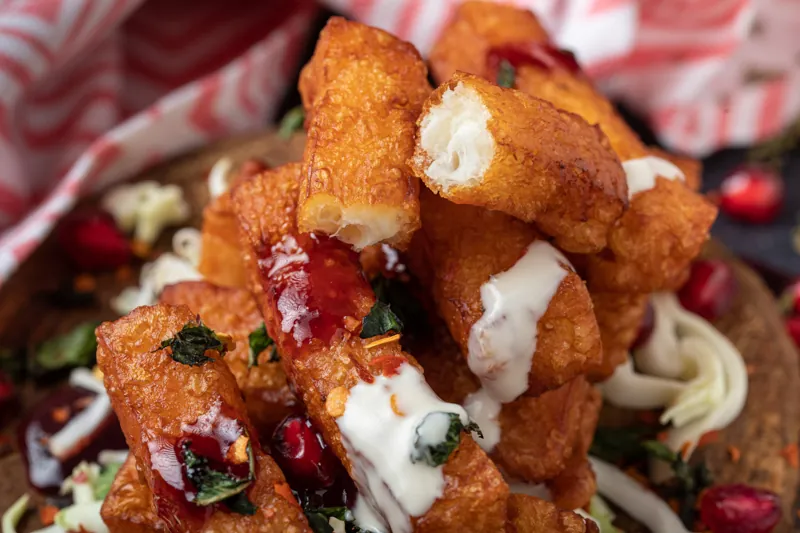
Prioritise your best sellers
You don't need to photograph every item on day one. Start with the dishes that sell most, the ones with the best margins, and anything new you want to push. Add combos and drinks next. Items without photos tend to be ignored, so plan to cover the rest of the menu over time.
Check the app's current requirements
Delivery apps set their own rules for photos: size, shape, backgrounds, text and logos. They change those rules from time to time, and some apps review photos before they go live. Before the shoot, check the current guidelines in your partner dashboard, and share them with your photographer so every image is framed to fit.
Plan the kitchen for the shoot
Food for photography needs to be cooked fresh and brought to the set quickly, one dish at a time. Agree the order of dishes with your chef, keep the garnish ready, and have a spare portion of anything that wilts or melts. Our menu shoot checklist covers the day in detail.
Use the same shoot everywhere
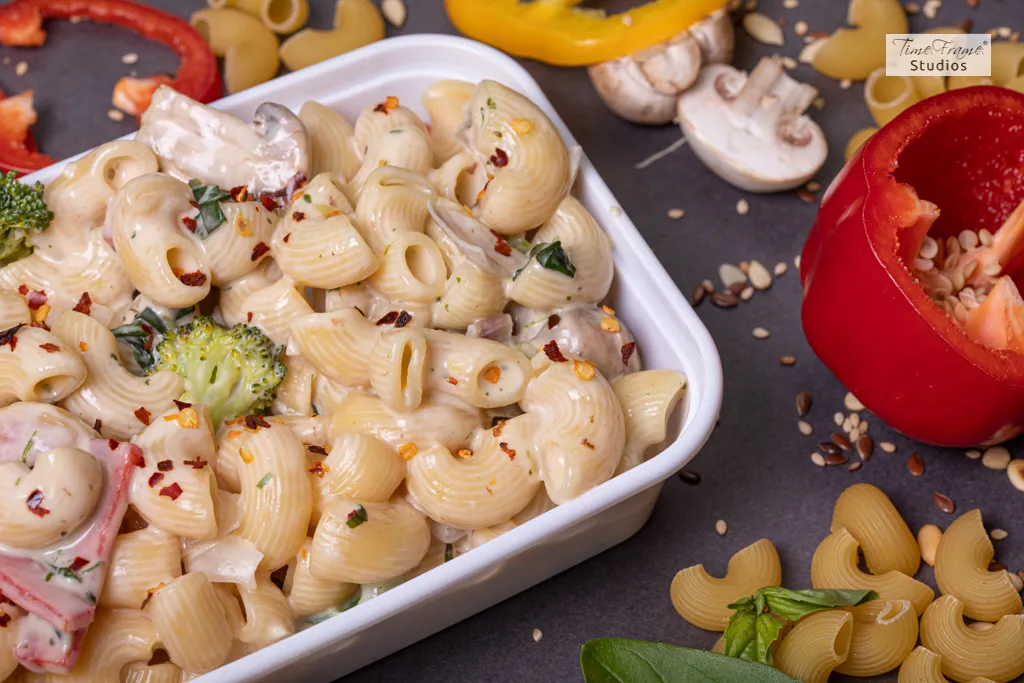
The photos you shoot for the apps can also go on your own menu, Google listing, Instagram and printed menus. Tell your photographer every place they will be used, so the set includes square, vertical and horizontal versions.
Planning your menu photos?
The Hero Shot photographs menus for restaurants, cafés and cloud kitchens in Pune, at your kitchen or in our studio, with food styling included. Send us your menu and the apps you sell on, and we will suggest a shot list.