AI backgrounds or a product photographer? What each one can actually do
AI can put your product on any background in seconds. It cannot fix the light, colour, texture or detail in the photo you give it. Here is where each one helps.
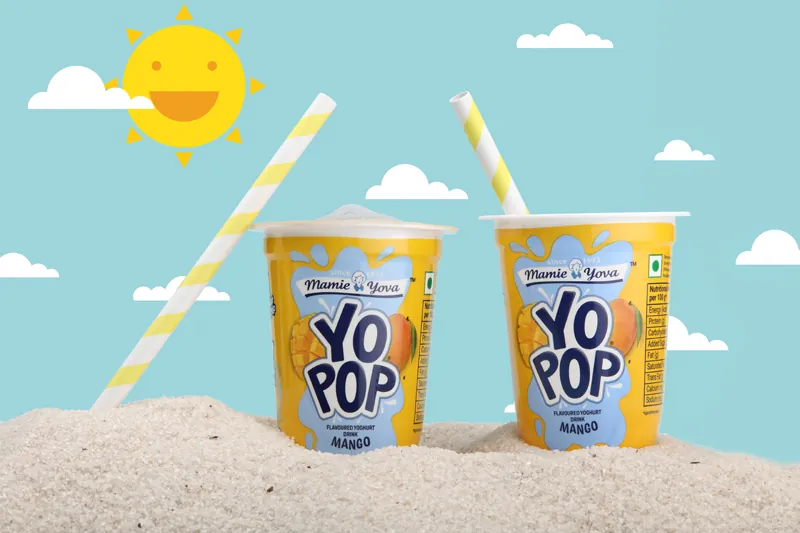
AI tools can now take a product photo and place it on a marble counter, a beach or a festive table in a few seconds. So a fair question comes up from many brands we speak to: if the background can be changed for free, why pay for a product shoot at all?
The short answer is that a background is the easiest part of a product photo to change. The hard parts are in the product itself: how it is lit, whether its colour is true, whether you can see its texture, and whether its details are sharp. Those are captured by the camera on the day, and no background swap adds them later.
What AI background tools do well
It is worth being fair to the tools first. They are genuinely useful for:
- New settings for the same product: a clean studio shot can become a kitchen scene, a gift table or a seasonal banner.
- Resizing and extending: turning a horizontal photo into a square or a tall story by filling in the edges.
- Quick variations: a Diwali version, a monsoon version, a sale banner, without a reshoot.
- Cleaning up: removing dust, small marks or a stray thread.
If you sell online, these save real time. The catch is that every one of them starts from the photo you give it.
What a background cannot fix
A beautiful background placed around a poorly captured product only makes the problem more visible. These are the four things that have to be right in the original photograph.
Light: shape and shine
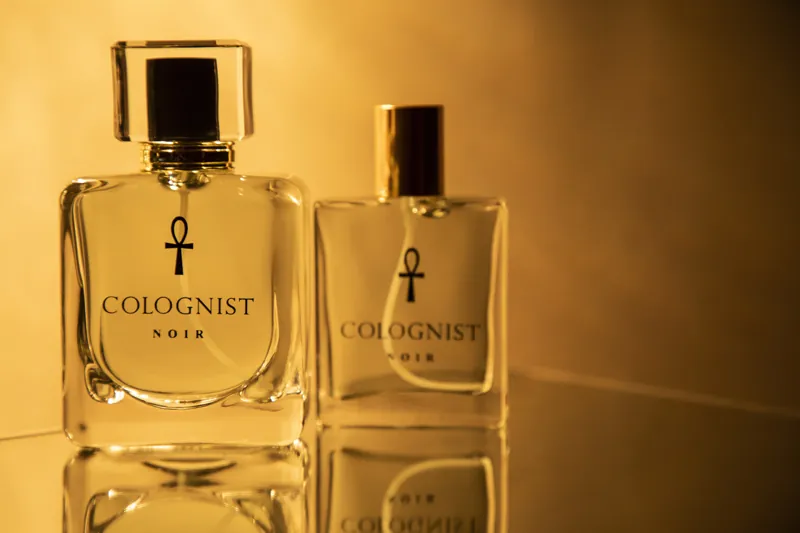
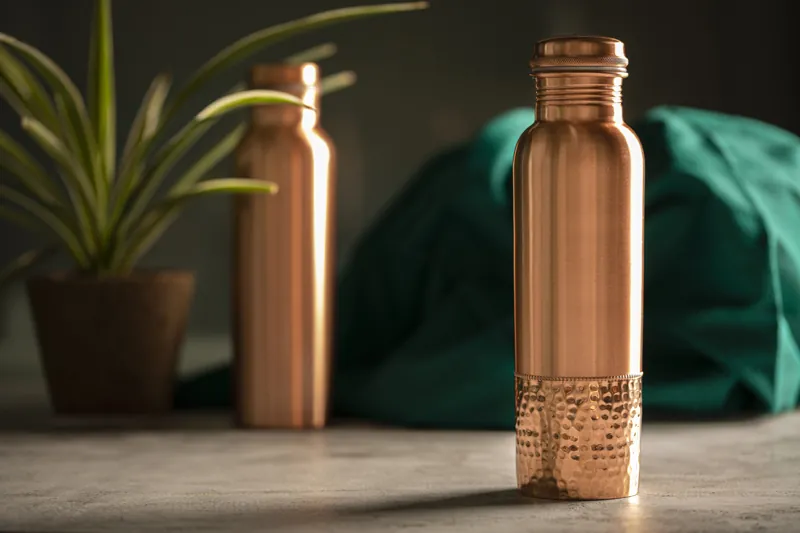
Light is what tells the eye a copper bottle is round, a perfume bottle is glass and a ring is metal. Flat light makes copper look like plastic and glass look like a grey shape. Shaping light around a product takes reflectors, flags and careful placement on set. An AI tool can change what is behind the bottle, but it cannot invent convincing reflections that were never in the photo.
Colour: what arrives matches what they saw
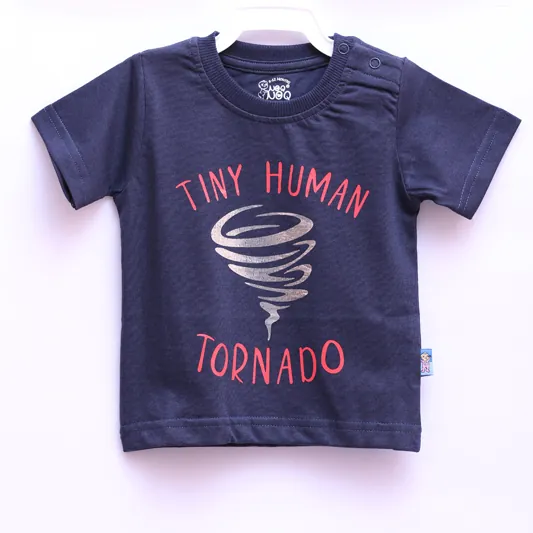
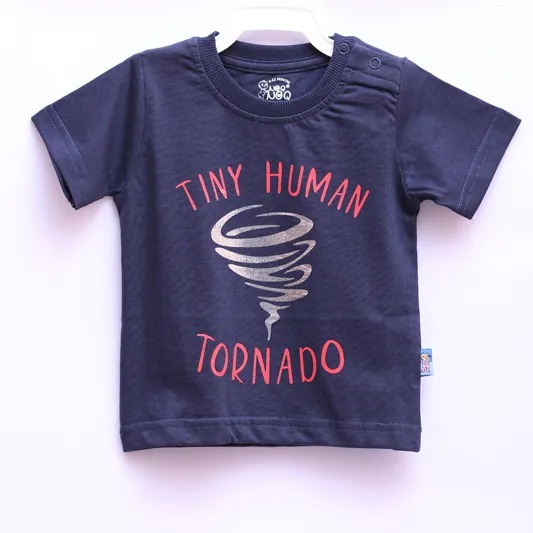
Online, the photo is the only way a customer judges colour. If a navy t-shirt looks royal blue on screen, the customer feels misled when the parcel arrives, even if the shirt is perfect. True colour comes from correct white balance, a colour reference on set and careful editing. AI editing tends to make colours look pleasing rather than accurate, which is the wrong goal for a listing.
Texture: something you can almost touch
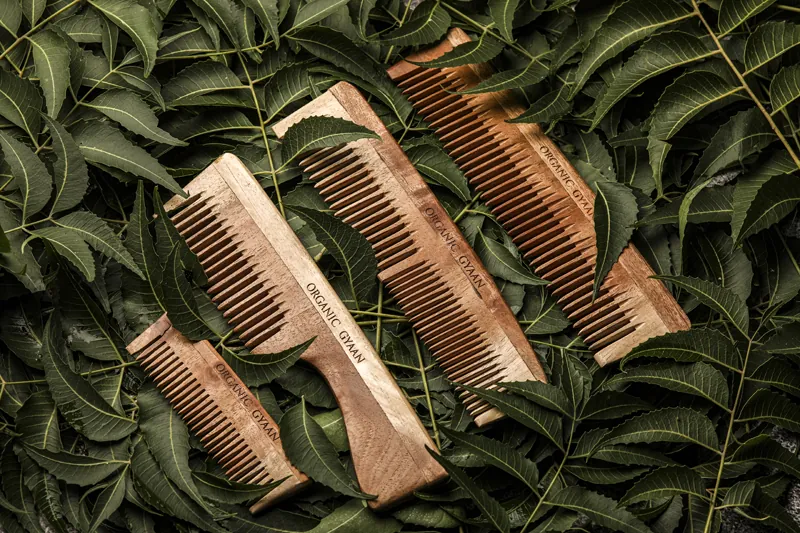
Texture is what makes a product feel real: the grain of neem wood, the weave of cotton, the surface of a handmade soap. It comes from light skimming across the surface at the right angle. When a photo has flat light, the texture is simply not recorded, and there is nothing for a tool to bring back.
Detail: sharp enough to zoom into
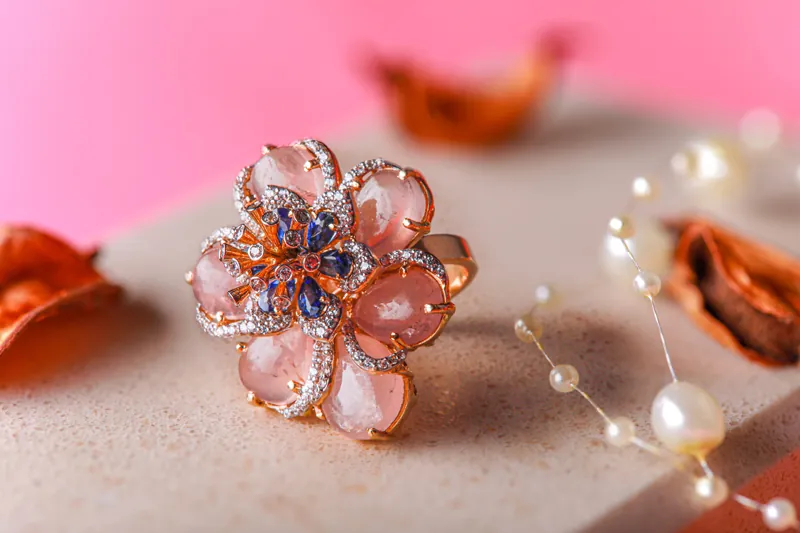
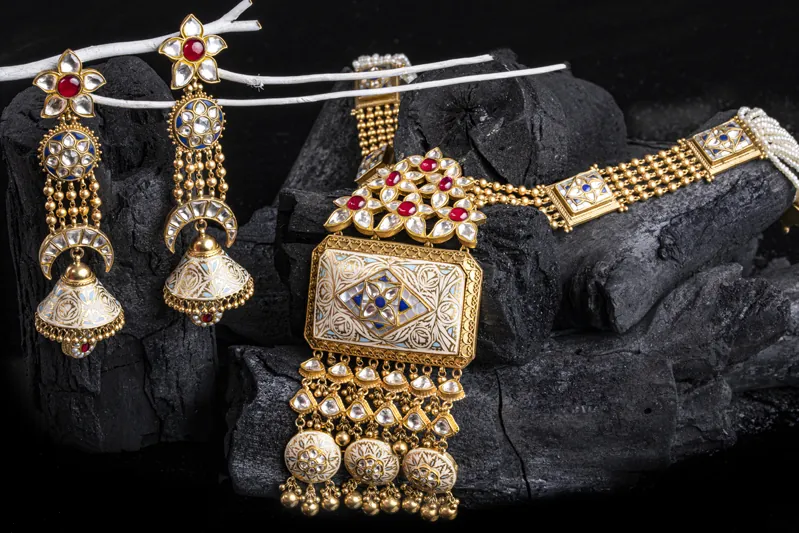
Customers zoom in, especially on jewellery, packaging and anything with fine work. Stones, claws, engraving, stitching and label text all need to be sharp in the original file. Soft focus or a low-resolution photo will look worse, not better, once it is enlarged on a product page.
Why this matters more than it looks
A product photo is not decoration. For an online shopper, it is the product. When the light, colour, texture and detail are right, the photo builds trust before the customer reads a word, and the product that arrives matches the one they chose. That helps keep returns down and reviews kind.
So when you book a product shoot, you are not really paying for photographs. You are paying for your products to be presented in a way that builds trust, strengthens your brand and makes people want to buy.
How the two work together
The best results come from using both, in the right order:
- Shoot the product properly. Clean, well-lit photos with true colour and sharp detail, usually on white and in a few styled setups for your hero products.
- Use AI for what comes after. New backgrounds for campaigns, crops for each marketplace and social format, seasonal versions of the same shot.
- Check the result against the real product. If the edited image no longer matches what the customer will receive, it will cost you more in returns than it saved.
Put simply: a good photo gives AI something good to work with. Bad photo in, bad photo out.
One more thing to check: marketplaces publish their own image rules, especially for the main listing image. Read the current guidelines for each platform you sell on before replacing a studio photo with an edited one. Our guide to product photos for marketplaces covers what to plan for.
When AI alone might be enough
To be fair, not every image needs a shoot. AI editing on its own can be enough when:
- you only need a quick social post for a product that already has good photos;
- you are testing an idea before committing to a campaign;
- the original photo is already well lit and sharp, and you only want a different setting.
It is not enough when the original photo is the problem: dark, flat, off-colour, soft or low resolution. In that case, every edited version carries the same flaws.
Planning a product shoot?
If you are deciding what kind of images to shoot, start with white background or lifestyle photos, and see how to send products for a studio shoot.
The Hero Shot is our food and product photography service: white-background e-commerce photos, styled lifestyle images and product video, shot in our Pune studio or at your premises. Send us your product list, and we will come back with a plan and an exact quote.